
TikTok Username Search: How to Check Availability (2026)
TikTok has over 1.5 billion monthly active users, and roughly 40% of them find new accounts through in-app search. That means your username isn't just a label. It's a discovery tool. But here's the problem most people run into: TikTok's search bar doesn't confirm whether a username is actually available.
Search is designed to find accounts, not check availability. A dormant profile with zero posts and zero followers can still hold a username tightly while being nearly invisible in search results. The only place you get a real answer is the Username field under Edit Profile, and it takes about ten seconds.
Below you'll find the three methods people use, ranked by reliability, plus why "taken" sometimes shows up on profiles you can't see anywhere.
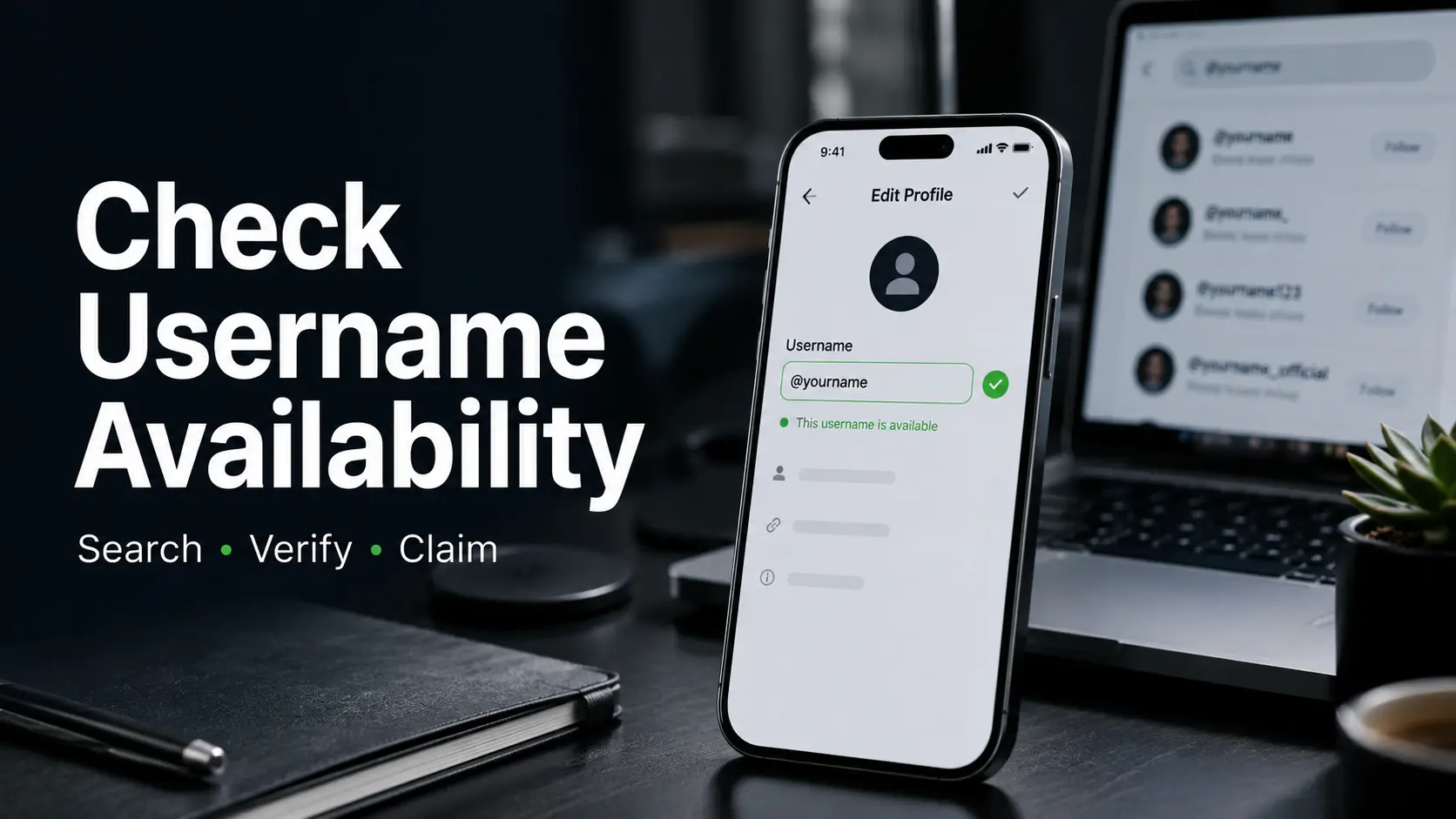
The 3 Methods to Check TikTok Username Availability
| Method | Reliability | Time | Account Needed? |
|---|---|---|---|
| Edit Profile / Signup field | 100% definitive | 10 seconds | Yes |
| Direct URL (tiktok.com/@username) | High | 5 seconds | No |
| In-app search bar | Low | 15 seconds | No |
The Edit Profile field is the only method that gives you a definitive answer. Here's how it works:
- Open TikTok and go to your Profile.
- Tap Edit Profile.
- Tap the Username field and clear it.
- Type the name you want to check.
- Watch TikTok's real-time response: a green checkmark means it's open, a red message means it's gone.
- Don't tap Save unless you actually want to change to it. You can type ten names, validate each one, and back out without saving anything.
If you don't have a TikTok account yet, the same check happens automatically during signup, right when you're asked to choose a username.
Why TikTok Search Doesn't Confirm Availability
TikTok's search bar uses fuzzy matching. It's built to surface active or recently active accounts, not to check a live availability database. Search for a name and you might see zero results, no accounts, nothing, and assume it's free. It doesn't necessarily mean that.
"I searched a username on TikTok, saw no results, got excited, then the Edit Profile field rejected it. There was some ghost account sitting on it."
A dormant account with no posts and no followers can still hold a username. It won't surface well in search because search indexes based on activity and relevance. But the username is still claimed in TikTok's system. This gap between "I can't find it" and "it's actually free" is where most of the confusion happens.
If you're dealing with a username that won't change, our guide on why your TikTok username isn't changing covers the troubleshooting side.
Why a Username Shows "Taken" With No Visible Profile
This is the most frustrating part. You search, you find nothing, you try to claim it, and TikTok says it's taken. Here are the six reasons this happens.
Private Account
The profile exists, but the owner has set it to private. Search results won't show private accounts clearly, but the username is claimed.
Temporarily Deactivated
Someone hit the pause button on their account. The profile vanishes from search, but TikTok keeps the username on hold while the deactivation is active.
Suspended or Banned Account
TikTok took action against the account. The profile goes dark, but the username stays tied to it inside TikTok's system.
TikTok-Reserved Username
TikTok keeps a stash of common words, brand names, and short usernames for itself. You can't touch these, and they don't belong to any account you can see.
Trademark Block
A brand got there first. TikTok blocks new registrations that could step on a trademark, so the name stays locked even if no profile shows up.
Deleted Account Cooldown
Someone deleted their account, but TikTok hasn't freed up the username yet. Instagram publishes a 30-day window for this. TikTok doesn't. It could be days, it could be months. Nobody outside TikTok knows the actual number.
Third-Party Tools: What They Can and Can't Do
Plenty of third-party sites call themselves TikTok username checkers. Some actually help. Others will waste your time.
| Tool Type | Accuracy | Best For |
|---|---|---|
| Bulk checkers (Apify) | High (direct API queries) | Checking 50+ usernames |
| Cross-platform tools | Medium | Checking name across TikTok, IG, YouTube |
| Browser extensions | Low (user reviews flag inaccurate TikTok results) | Not recommended |
User reviews of popular browser extensions tell the same story. Names that show up as "taken" in the tool turn out to be wide open when you try them in the app. The data these tools pull from is cached or scraped, not pulled directly from TikTok's live system.
For checking a name across multiple platforms at once, cross-platform tools are genuinely useful. For TikTok-specific accuracy, the Edit Profile field wins every time.
Why Short Usernames Are Nearly Impossible
If you've been trying to claim a two, three, or four-character username, there's a reason it keeps failing. Short usernames are claimed by early adopters and squatters, and TikTok has no reservation system. It's first-come, first-served, and the first people came years ago.
Top creators on TikTok average just seven characters for their handles. The sweet spot for a new account is somewhere between six and twelve characters, short enough to remember, long enough to still be available.
No Reservation System Exists
TikTok doesn't let you reserve a username. A name stays open until someone claims it, and there's no way to hold it in advance. If you find a username that's genuinely available, claim it immediately. Popular-sounding names (short, real words, no numbers) get claimed fast once someone else has the same idea.
Quick Questions About TikTok Username Search
Why does a TikTok username show as taken when I can't find any profile?
That profile might still be there. Just hidden. Could be private, paused, or banned. Search won't show it, but TikTok hasn't freed the name.
Is TikTok's search bar a reliable way to check username availability?
Nope. Search finds active accounts, not what's free. A quiet profile can sit on a name and never show up. Edit Profile is the only place with a straight answer.
Are third-party TikTok username checkers accurate?
Some are, some aren't. Bulk checkers using direct API queries are the most reliable. Browser extensions have a track record of inaccurate TikTok results. Always confirm through TikTok's Edit Profile field before deciding.
Can I reserve a TikTok username before I'm ready to use it?
No. TikTok doesn't offer reservations. A name stays open until someone claims it, and there's no way to hold it in advance.
What's the fastest way to check if a username is available?
Go to Edit Profile, type the name into the Username field, and watch for the green checkmark. That's the only fully reliable method, and it takes about ten seconds.
Final Summary
Every method except the Edit Profile field is a best guess. Search uses fuzzy matching. Third-party tools work from cached data. Direct URL checks are close but not definitive. If you want a real answer, open the app, go to Edit Profile, and type the name into the Username field. Green checkmark means it's yours to claim. That's the only proof that counts.
Updated: September 2026