
How to Change TikTok Username (Step-by-Step 2026)
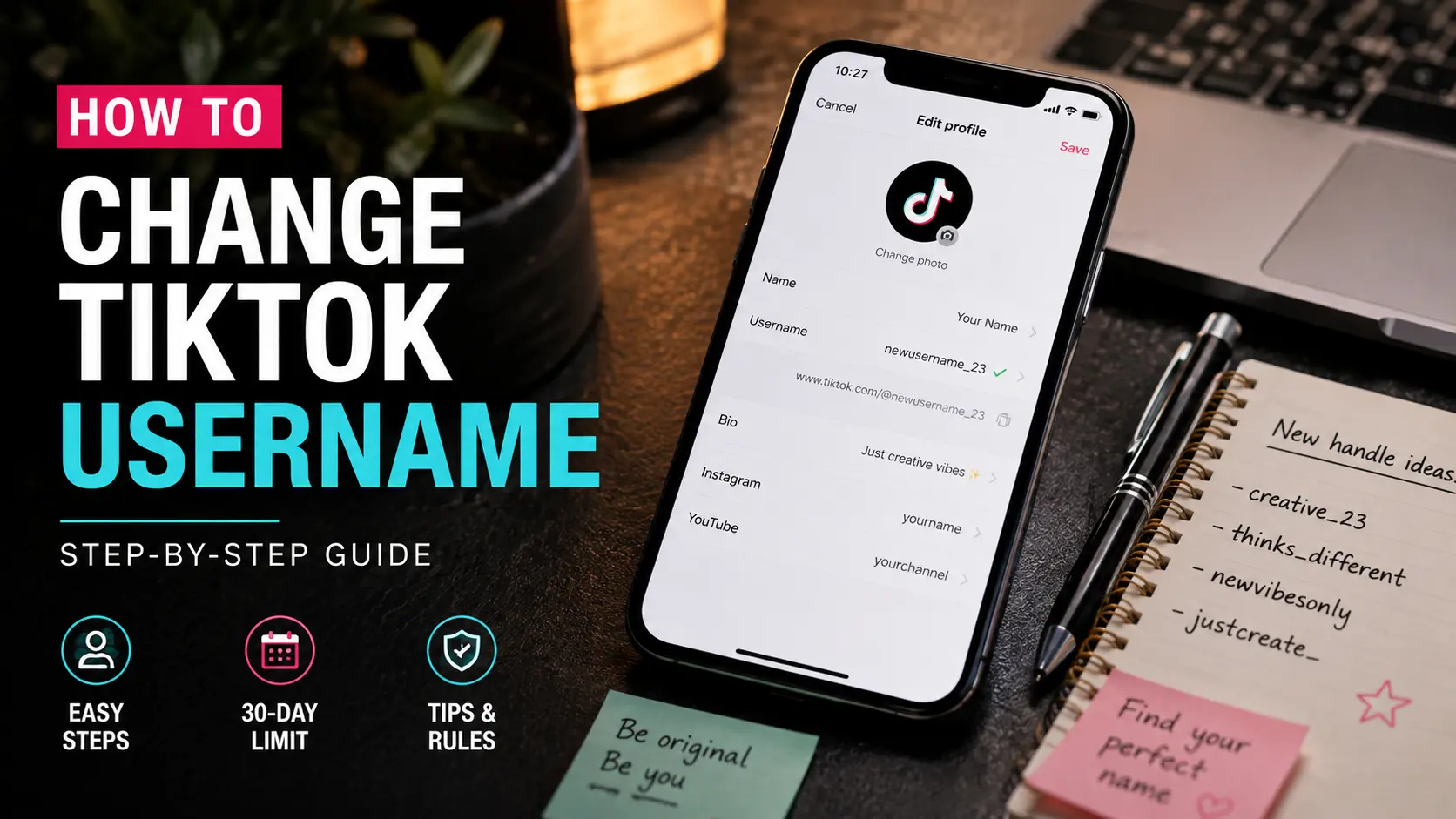
You made your handle in 2020. It has a random number at the end, a vibe you've outgrown, and every time you drop it in a comment, you cringe a little. The good news: changing it takes about thirty seconds. The catch: TikTok only lets you do it once every 30 days, and the setting isn't exactly sitting in plain sight.
Here's the full process, plus the rules most people find out the hard way.
How to Change Your TikTok Username (6 Steps)
Same steps whether you're on iPhone or Android. TikTok didn't bother splitting this by platform.
- Open TikTok and tap Profile in the bottom right corner.
- Tap Edit Profile. It sits right under your bio.
- Find the Username field. It's a separate box from your Name field, and people type into the wrong one all the time.
- Clear the old handle and type the new one.
- Wait a second. TikTok checks it live. A green checkmark means it's available, red text means someone already has it.
- Tap Save in the top right.
That's it. No email confirmation, no wait. The change goes live the moment you tap Save, across your profile, comments, and anywhere your @ appears.
One small thing that trips people up: your keyboard's autocorrect. If you're typing a handle with an unusual spelling or a mix of letters and numbers, check the field before saving. Autocorrect has quietly ruined a lot of usernames.
Username vs Nickname: They're Not the Same Field
This is the mix-up that causes the most confusion. TikTok gives you two name fields, and they behave completely differently.
| Field | Character Limit | Cooldown | Where It Shows |
|---|---|---|---|
| Username (@handle) | 2 to 24 characters | Once every 30 days | Profile URL, @mentions |
| Nickname (display name) | 30 characters, symbols allowed | No cooldown | Profile header, comments |
If you just want a different name showing up on your profile, you can edit your nickname as often as you want. The username is the one with the 30-day lock and the URL attached. Knowing which one you actually want to change saves you from burning your one change for the month on the wrong field.
TikTok Username Rules Worth Knowing Before You Commit
TikTok's rules are simple, but the field will silently reject a change if you break one of them. Here's what actually applies.
| Rule | Detail |
|---|---|
| Character length | 2 to 24 characters |
| Allowed characters | Letters, numbers, underscores (_), periods (.) |
| Not allowed | Spaces, emojis, @ or # symbols |
| Period placement | Cannot start or end with a period, no consecutive periods |
| Case sensitivity | Not case sensitive. @SunnyBakes and @sunnybakes are the same handle |
| Change frequency | Once every 30 days |
The 30-day rule is the one that catches people out. Change your username once, and the field locks up until the full month passes. TikTok doesn't show a countdown anywhere in the app, so if you're planning ahead, write the date down somewhere you'll remember.
If your username still won't save after you've followed every rule, there's a separate set of reasons for that. Our guide on why your TikTok username isn't changing walks through the actual fixes.
What Actually Changes When You Change Your Handle
Before you commit, here's what moves and what stays put.
- Your profile URL changes immediately. tiktok.com/@oldhandle stops working, tiktok.com/@newhandle becomes your link. There's no redirect.
- Your followers stay. Nobody is unfollowed, nobody has to re-follow you.
- Your videos, DMs, and likes stay. None of that is tied to the username.
- Old @mentions in comments break. Comments where someone tagged your old handle won't link to you anymore.
- Your old username gets released, but not instantly. TikTok holds it for a short unspecified period before making it available to someone else.
- If you've printed the handle on merchandise or shared it in other bios, those references point to nothing after the change.
Most people only care about the first three. But if you're running a business account or have merch out with your handle on it, the last two are worth thinking through before you hit Save.
Changing Your Username on Desktop (If You're Not on Mobile)
Almost nobody does this from a laptop, but the process works the same way. Go to tiktok.com, click your profile picture in the top right, select View Profile, then Edit Profile. The Username field sits in the same spot, with the same live availability check.
The only real difference is that the mobile app auto-fills your current handle when you open the field. On desktop, you'll type from scratch. If you're changing because your new handle is long, mobile is slightly easier to work with since the keyboard and field are right next to each other.
Frequently Asked Questions
Can you change your TikTok username?
Yes. Go to your profile, tap Edit Profile, tap the Username field, type the new handle, and save. You get one change every 30 days.
How often can I change my TikTok username?
Once every 30 days. Each change resets the timer, so if you change today, you can't change again for another 30 days.
Does changing my username affect my followers?
No. Your followers, videos, likes, DMs, and account history all stay intact. Only the username and profile URL change.
What's the difference between my username and nickname?
Your username is the @handle that appears in your profile URL and mentions. Your nickname is the display name shown at the top of your profile and in comments. The nickname has no cooldown and allows more characters. The username locks for 30 days after each change.
What happens to my old profile link after I change?
It stops working immediately. There's no redirect. If you've shared the link anywhere, anyone clicking it will hit a broken page until you update it.
Before you commit to a new handle, check whether it's actually available first. Our TikTok username search guide explains the only method that gives you a real answer. And if you're still deciding what to switch to, our TikTok username generator builds style-matched options based on your niche, so you're not stuck typing random combinations into the field.
Updated: September 2026